Our new MyChart is now live! Learn more ➜
Your Care, Just a Text Away
We’re making it easier than ever to stay on top of your health. From appointment reminders and medication updates to important billing notices, you’ll get timely updates sent straight to your phone.
Every message comes directly from Clinica Sierra Vista because your care should always feel personal, reliable, and right at your fingertips.

Our text messaging number changed to 37358
Clinica Sierra Vista’s MyChart text messages now come from 37358. Be sure to save this number in your contacts so you never miss important updates about your care.
You can also reply to certain messages, making it even easier to manage appointments, reminders, and more, all from your phone.
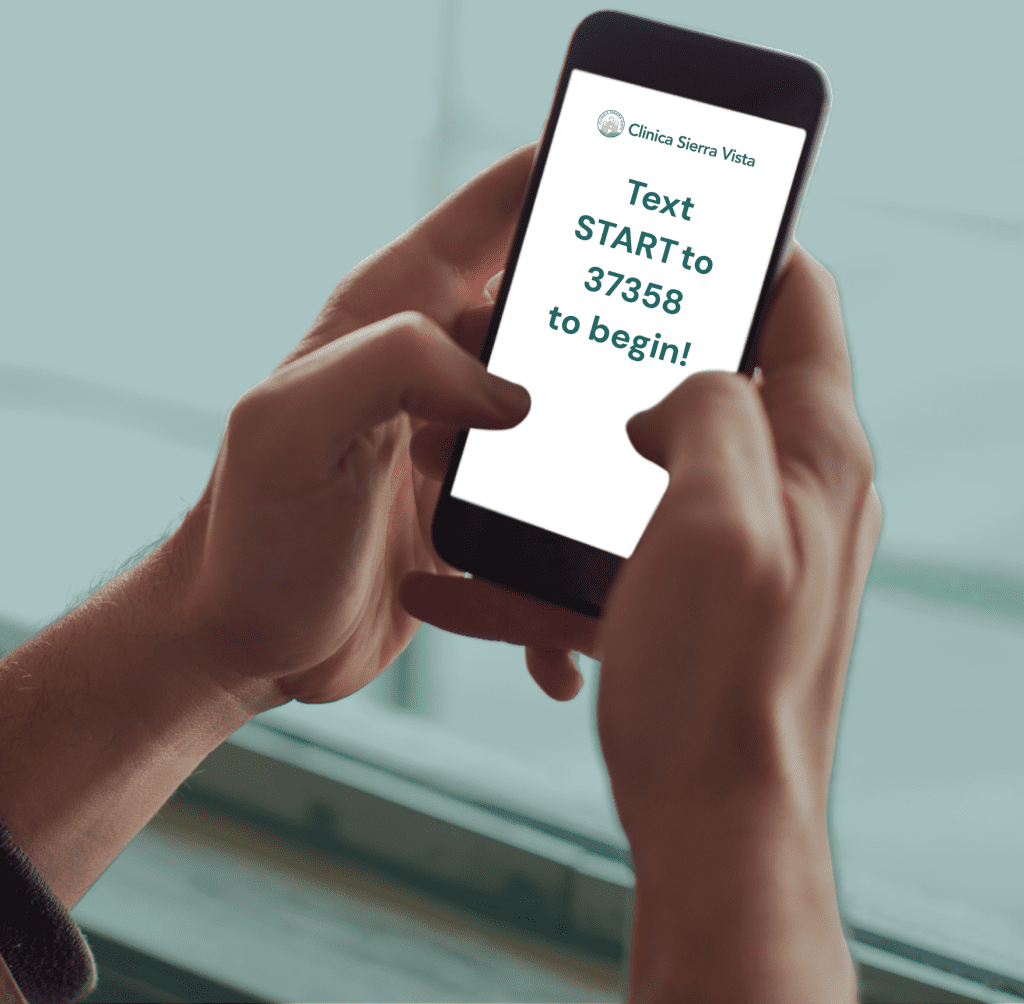
Text START to 37358 to sign up for text reminders and updates today.
Text Notifications with Clinica Sierra Vista – Frequently Asked Questions (FAQ)
Why am I not receiving text updates from Clinica Sierra Vista?
If you previously received text updates from Clinica Sierra Vista, you may need to opt in again. To continue receiving updates about your care, please re-enroll. Clinica Sierra Vista sends messages from a new number: 37358.
How do I sign up to receive text updates from Clinica Sierra Vista?
Simply text START to 37358 to opt in. Once enrolled, you’ll receive helpful updates about appointments, medications, billing, and more. Standard message and data rates may apply.
How can I make sure I receive specific types of text updates?
Log into your MyChart account and select “Communication Preferences” from the main menu. From there, you can subscribe to text messages and choose which types of notifications you want to receive.
Will I receive text updates for my children or other accounts I manage through MyChart?
Yes—if your mobile number is listed in the account settings for a proxy or child account. You must also text START to 37358 and confirm “yes” to receive text updates in your communication preferences for each account.
What if I no longer want to receive text messages from Clinica Sierra Vista?
You can unsubscribe at any time by texting STOP to 37358. Please note: This will opt you out of all Clinica Sierra Vista text notifications, including appointment reminders and check-ins, billing alerts, and all MyChart messages. To manage your communication preferences, log in to your MyChart account.
I opted out by mistake. How can I re-enroll?
You can rejoin at any time by texting START to 37358 or updating your preferences in your MyChart account.
How do I update my phone number?
Log into MyChart, go to Personal Information, and update your mobile number.
Why can’t I enroll or receive text messages from Clinica Sierra Vista?
Text message updates are only available to users with a U.S.-based mobile number. If your phone number is from outside the U.S., you won’t be able to opt in or receive one-time passcodes or notifications.
Discover What’s Changing in Your MyChart Experience!
Whether you’re managing appointments, viewing lab results, or messaging your care team, our new MyChart is your trusted companion for staying informed and connected.