Our new MyChart is now live! Learn more ➜
Personalized Support for Every Stage of Your Pregnancy
Clinica Sierra Vista is proud to offer the Pregnancy Care Companion, a helpful digital tool available through your MyChart account. Designed to guide and support you throughout your pregnancy, this companion brings timely tips, reminders, and trusted information right to your fingertips.
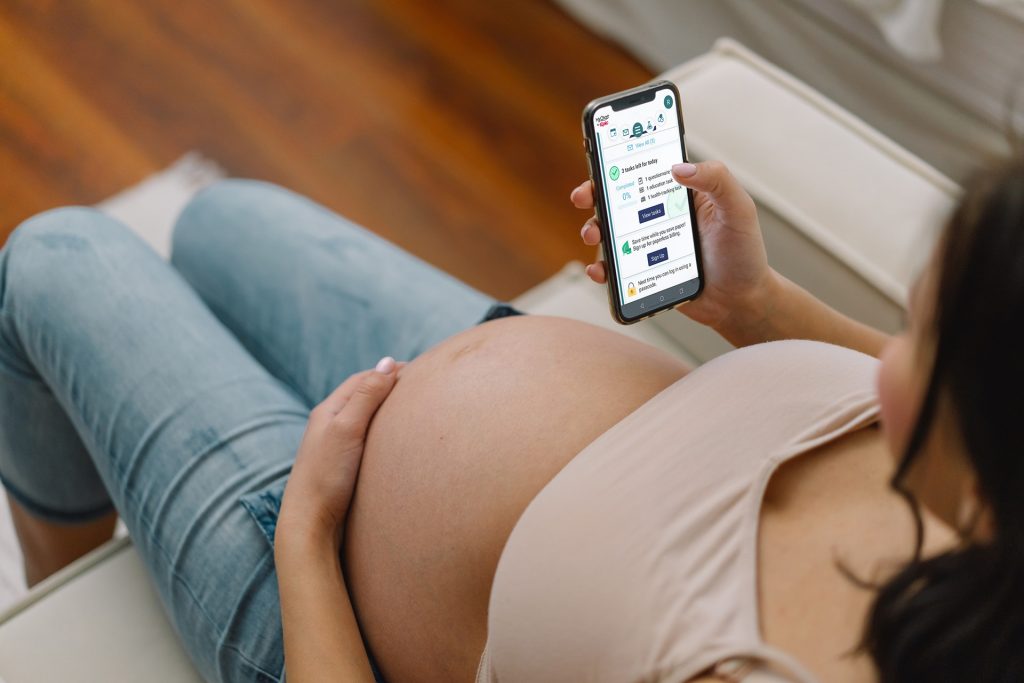
With Pregnancy Care Companion, you can:
- 🍼 Week-by-week tracking of your baby’s growth
- ⏰ Reminders to support healthy habits, like taking your prenatal vitamins
- 🍎 Personalized guidance on nutrition, exercise, breastfeeding, and preparing for delivery
- 📅 Appointment and test reminders to help you stay on schedule
This digital care plan will remain active until one month after your expected delivery date, giving you continued support during your early postpartum experience.
Planning for Delivery: Hospital Resources, Classes & Pre-Registration
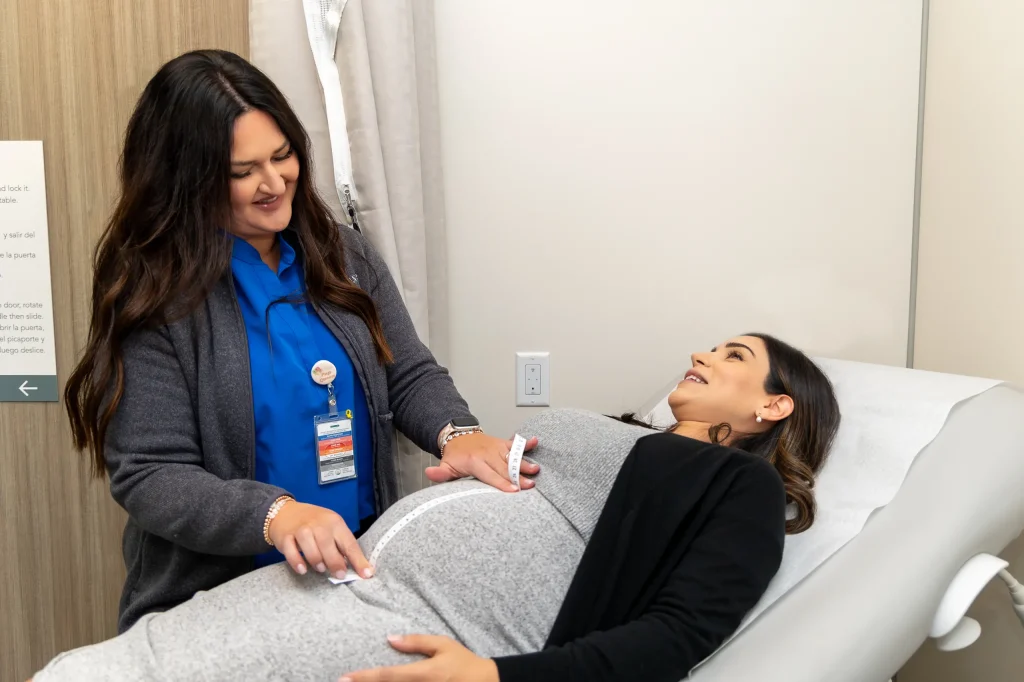
Preparing for the birth of your baby goes beyond just doctor visits; it’s about feeling confident and ready. We’ve partnered with trusted hospitals and health systems in our communities to ensure you have access to childbirth education, hospital tours, and pre-registration support.
Frequently Asked Questions (FAQ):
How do I join?
Once your provider enters your estimated due date in your health record, you’ll receive an invitation in MyChart to join the Pregnancy Care Companion.
- To begin enrollment, simply log in, look for the message, and click “Let’s Go!”
Then select “Continue to enroll” to access personalized pregnancy updates, educational resources, and helpful reminders—right from your MyChart account.
How do I access Care Tasks?
- Sign in to MyChart via the mobile app
- Go to Menu > To Do List
- View and complete any assigned health tasks
How do I complete a Questionnaire?
- Tap on the message (e.g., “COPD Check-in”)
- Select your responses to each question
- Tap Submit when finished
How do I complete an Education Task?
- Tap the message (e.g., “Healthy Living Education”)
- Click the link to review educational content
- Tap I Understand to complete the task, or
- Tap I Have Questions to send a message to your Clinica Sierra Vista provider
How do I complete a Vitals Monitoring Task?
- Tap the message (e.g., “Vitals”)
- Enter your vital sign readings
- Tap Save to record your information
Discover Your MyChart Experience!
Whether you’re managing appointments, viewing lab results, or messaging your care team, our new MyChart is your trusted companion for staying informed and connected.